

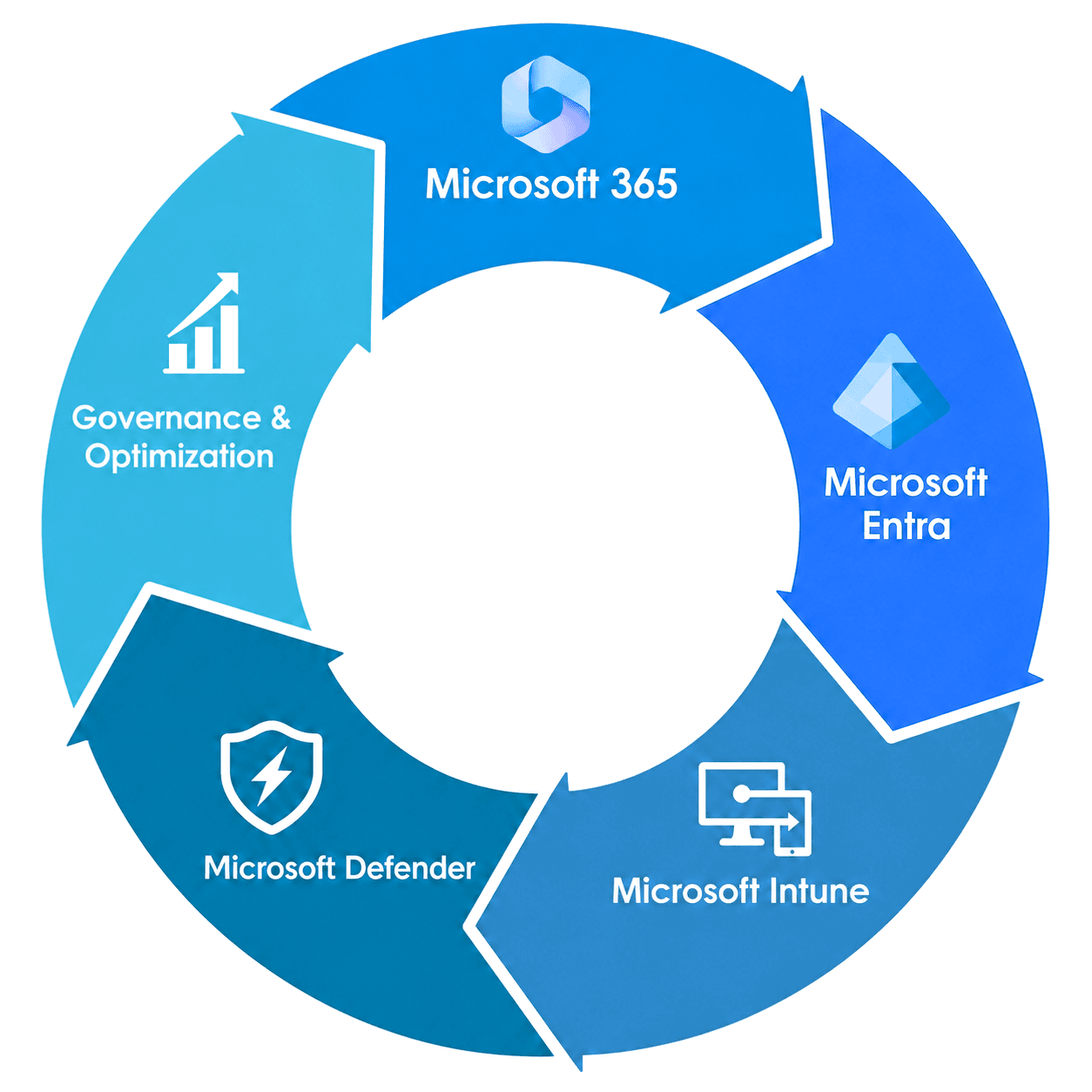
Understanding Microsoft 365
Microsoft 365 is more than just a suite of applications; it’s a comprehensive platform designed to enhance productivity, collaboration, and efficiency in organizations of all sizes. From email systems to collaboration tools like Teams and SharePoint, mastering Microsoft 365 can transform how your team operates.
Why Microsoft 365 Managed Services Matter
As businesses grow, so does their reliance on technology. However, without sufficient IT support, managing these systems can become overwhelming. Here’s where Microsoft 365 Managed Services come into play, providing tailored solutions that ensure:
- Seamless Management: Focus on your business while we take care of your Microsoft 365 environment.
- Robust Security: Protect your data and maintain compliance with industry standards.
- Cost Efficiency: Access expert support without the expense of hiring a full-time team.
Key Features of Our Microsoft 365 Services
Our managed services cover a wide range of functionalities that allow you to maximize your investment in Microsoft 365:
- M365 Management: Expert administration of your Microsoft 365 environment to keep everything running smoothly.
- Migration Services: A seamless transition to the cloud, ensuring minimal disruption to your operations.
- Security Assessments: Regular evaluations to identify vulnerabilities and improve your security posture.
- Intune & Entra ID Management: Simplified device and identity management to enhance security and user experience.
- SharePoint & Power Platform Solutions: Empower your team to collaborate better and automate business processes.
Microsoft 365 Health Check: Six Checks for a Growing Business
Before buying more licenses or adding new tools, review the environment you already operate. The following checks can be performed by an appropriately authorized Microsoft 365 administrator. Record the findings, owner and next action for each item; do not change production policies without approval and a rollback plan.
- Identity and MFA: In the Microsoft Entra admin center, review users, privileged roles and authentication coverage. Identify inactive accounts, unexpected administrator assignments and authentication exceptions. Investigate before disabling accounts that may support applications.
- Licenses: In the Microsoft 365 admin center, compare assigned licenses with active staff and required workloads. Look for duplicate subscriptions, departed users and premium features that are not being used. Validate dependencies before reclaiming licenses.
- Exchange Online: Review accepted domains, mailbox capacity, forwarding configuration and shared-mailbox ownership. Unexpected external forwarding warrants investigation; mailbox conversions require license and retention checks.
- SharePoint and OneDrive: Identify sites with no clear business owner, overly broad membership and external sharing links. Have data owners approve permission changes rather than removing access indiscriminately.
- Devices: If Intune is deployed, check enrollment, compliance status, encryption and devices that have not checked in recently. Distinguish obsolete records from devices that are genuinely in use.
- Recovery and monitoring: Confirm emergency access arrangements, incident contacts, audit visibility and recovery procedures. Test processes in a controlled way and document the outcome.
Example Findings and Actions
The following is an illustrative scenario, not a report of a real NOAVAXIS customer environment. A 45-person business discovers four accounts belonging to former staff, two unowned SharePoint sites and several devices showing outdated compliance information. The correct response is to validate account dependencies and retention obligations, assign site owners and investigate device check-in failures—not to delete everything immediately. The resulting action register should identify risk, business owner, agreed remediation and a verification date.
What to Document After the Review
Keep a simple register with the affected workload, observed evidence, business impact, proposed action, approval owner and verification result. Revisit it after organizational changes and significant Microsoft 365 updates. A useful review produces decisions and measurable follow-up, not just a security score.
Official guidance: Microsoft 365 admin center overview; Microsoft Entra Conditional Access; SharePoint external sharing overview.
Best Practices for Optimizing Microsoft 365
To maximize the benefits of Microsoft 365, consider the following best practices:
- Regular Training: Invest in ongoing learning for your staff to keep them up to date with features and best practices.
- Adopt Security Protocols: Implement Multi-Factor Authentication and regular password updates.
- Utilize Automation Tools: Explore Power Automate to reduce manual tasks and increase efficiency.
- Monitor Usage: Regularly check usage patterns and adjust licenses and permissions as needed.
Get Started with Microsoft 365 Managed Services Today!
Transitioning to a managed Microsoft 365 environment can significantly enhance your organization’s productivity and security. At NOAVAXIS TECHNOLOGY, we specialize in tailoring our services to meet your unique business needs. Whether you’re migrating to the cloud or simply looking to optimize your current environment, we’re here to help.
Ready to take control of your Microsoft 365 experience? Explore our Microsoft 365 consulting services, review our Microsoft 365 Managed Services, or start with a Microsoft 365 Security Assessment.
Conclusion
A truly effective Microsoft 365 environment is within your reach. With the right strategy and support, your organization can thrive, ensuring that technology simplifies your business operations rather than complicates them. Embrace the opportunities that Microsoft 365 has to offer and let NOAVAXIS be your guide on this journey.