

NOAVAXIS INSIGHTS · MICROSOFT 365 COPILOT
Microsoft 365 Copilot Readiness Checklist for Businesses in 2026
Before broad Copilot adoption, review identity, permissions, information access, security, governance, licensing and user readiness across your Microsoft 365 environment.
Microsoft 365 Copilot works within the access and security boundaries of Microsoft 365. That makes existing identity, permissions, sharing and information-governance decisions especially important before a wider rollout.
Why Prepare Before Expanding Copilot?
AI can make information easier for employees to discover and use. That creates productivity opportunities, but it can also make long-standing permission and data-governance weaknesses more visible. A readiness review helps organizations understand whether the Microsoft 365 environment is prepared for responsible adoption.
The goal is not to delay AI adoption. It is to create the technical and operational foundation needed to introduce Copilot with clearer controls, useful business scenarios and measurable outcomes.
10-Point Microsoft 365 Copilot Readiness Checklist
Strengthen User Authentication
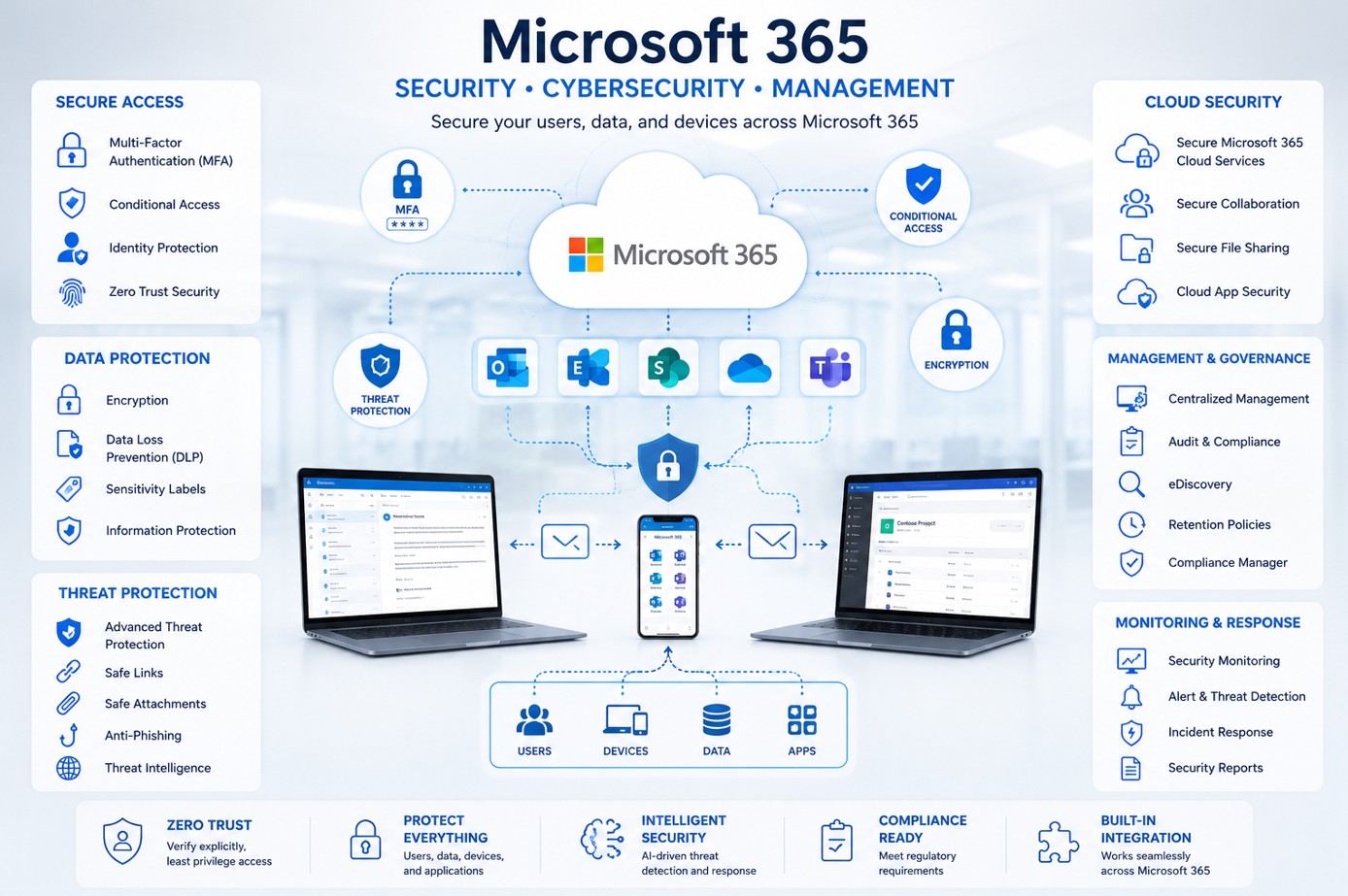
Review Microsoft Entra ID, MFA coverage, administrator accounts and Conditional Access so identity controls provide a strong foundation for Microsoft 365 access.
Review Who Can Access What
Identify broad or outdated permissions across SharePoint, OneDrive, Teams and Microsoft 365 groups. Users should have access to the information they need—not information they should no longer see.
Assess External Access
Review guest users, anonymous links, external sharing settings and collaboration practices to understand where organizational information is exposed outside normal internal boundaries.
Improve Information Hygiene
Reduce stale, duplicated or unnecessary content where practical. Better-organized information improves governance and makes AI-assisted discovery more useful to employees.
Define Information Controls
Evaluate sensitivity, retention and data-handling requirements. Depending on licensing and regulatory needs, Microsoft Purview capabilities may form part of the governance approach.
Review the Security Baseline
Assess privileged access, risky configuration, Microsoft Defender capabilities and other Microsoft 365 security controls before scaling AI access across the organization.
Validate Prerequisites and Licensing
Confirm eligible Microsoft 365 subscriptions, Copilot licensing and technical prerequisites for the users and workloads included in your rollout plan.
Choose Valuable Business Scenarios
Start with specific work where Copilot can help—such as meeting preparation, document drafting, information synthesis or communication—rather than deploying AI without defined outcomes.
Prepare Users and Leaders
Provide practical guidance on responsible use, prompting, information handling and verification of AI-generated output. Leadership should reinforce appropriate expectations.
Pilot, Learn and Measure
Begin with a representative pilot, collect feedback and evaluate adoption and business value before expanding. Use lessons from the pilot to refine governance and training.
READINESS MODEL
Four Foundations for Responsible Copilot Adoption
Secure Identity
Strong authentication and controlled privileged access across Microsoft 365.
Trusted Permissions
SharePoint, OneDrive and Teams access reflects current business needs.
Governed Information
Important data has appropriate ownership, sharing and information-protection practices.
Prepared People
Users understand useful scenarios, responsible use and how to evaluate AI output.
Start With the Environment, Not the License
Buying Copilot licenses is straightforward. Preparing the environment so users can work productively and responsibly requires more thought. Review access and data first, select a focused pilot group and connect the rollout to real business outcomes.
Identity controls are an important part of that foundation. See our guide to Conditional Access best practices. Organizations that want a wider security baseline review can also start with a Microsoft 365 Security Assessment.
NOAVAXIS can help organizations assess Microsoft 365 readiness, strengthen security and governance, and build a practical roadmap for Copilot adoption.
NEXT STEP
Prepare Microsoft 365 Before Scaling Copilot
Need help reviewing permissions, identity, security, governance or your rollout approach? Start a conversation with NOAVAXIS.
Discuss Copilot Readiness