

NOAVAXIS INSIGHTS · MICROSOFT ENTRA ID
Conditional Access Best Practices for Microsoft 365 in 2026
A practical framework for protecting Microsoft 365 access without creating unnecessary friction—or locking administrators out of the tenant.
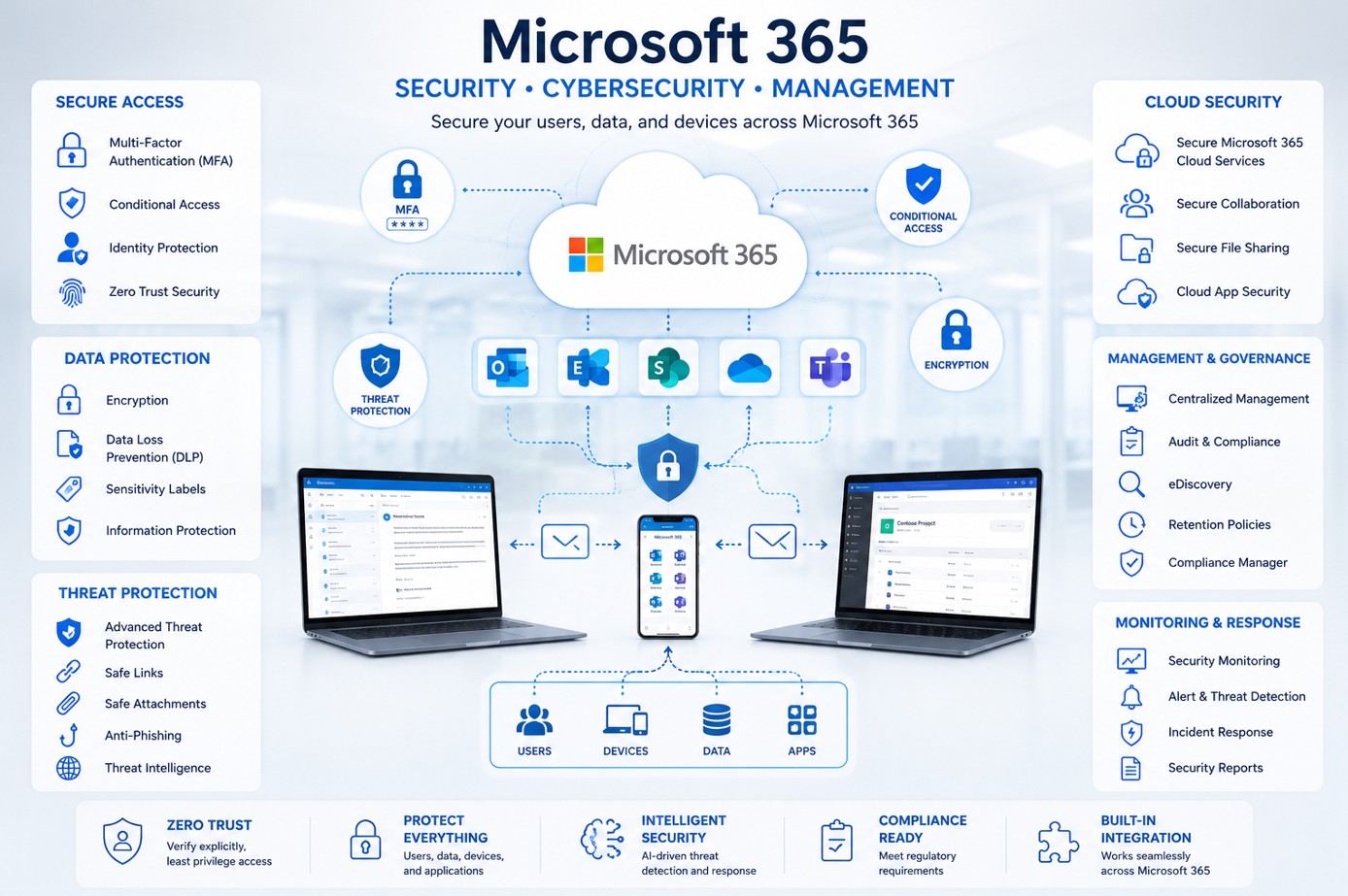
Microsoft Entra Conditional Access evaluates signals such as identity, application, device, network and risk, then applies controls such as MFA, authentication strength, compliant-device requirements or access blocking.
Why Conditional Access Matters
Microsoft 365 is designed for access from many locations and devices. That flexibility means organizations need access decisions that consider more than a username and password. Conditional Access helps apply stronger controls when the context requires them while allowing legitimate users to remain productive.
The challenge is configuration. Policies can overlap, exclusions can weaken protection, and an aggressive rollout can interrupt users or administrators. A structured deployment is therefore as important as the controls themselves.
Eight Conditional Access Practices to Prioritize
Require MFA Deliberately
Build broad MFA coverage and apply stronger controls to privileged access. Review exclusions carefully rather than allowing them to become permanent exceptions.
Protect Administrator Access
Administrative identities deserve stricter protection because compromise can affect the entire tenant. Keep privileged access limited and apply appropriate authentication requirements.
Maintain Emergency Access
Design emergency access accounts so a policy mistake does not lock every administrator out. Monitor these accounts and keep their use tightly controlled.
Test Before Enforcement
Start with test users and use report-only evaluation where appropriate. Review expected impact before moving a new policy into enforcement.
Address Legacy Authentication
Review older authentication protocols and clients that may not support modern controls. Blocking legacy authentication is a common Conditional Access use case.
Use Device Signals Where Valuable
For sensitive resources, consider whether access should require a compliant or otherwise trusted device, particularly when Intune is part of the management strategy.
Consider Authentication Strength
Not every authentication method provides the same assurance. For higher-risk scenarios, evaluate stronger authentication requirements rather than treating all MFA methods identically.
Review Policies Continuously
Conditional Access is not a one-time project. Review policy coverage, exclusions, sign-in behavior and business changes so the design stays aligned with the environment.
SAFE DEPLOYMENT
A Better Rollout Sequence
1. Inventory
Understand users, administrators, applications, devices, locations and existing policies.
2. Design
Define the business risk each policy addresses and document required exclusions.
3. Validate
Use test accounts, report-only evaluation and What If analysis to identify unexpected impact.
4. Enforce & Review
Deploy in controlled stages, monitor sign-ins and revisit policies as the environment changes.
Licensing Still Matters
Conditional Access requires appropriate Microsoft Entra licensing. Microsoft Entra ID P1 provides Conditional Access capabilities, while risk-based policies that use Microsoft Entra ID Protection require P2. Microsoft 365 Business Premium also includes Conditional Access capabilities. Organizations should confirm licensing before designing controls that depend on specific features.
Where Should You Start?
Before adding more policies, review what already exists. Identify gaps in MFA coverage, administrator protection, exclusions, legacy authentication, device requirements and policy testing. The goal is a small, understandable policy set that protects the right scenarios—not complexity for its own sake.
A NOAVAXIS Microsoft 365 Security Assessment can help identify Conditional Access and identity-security gaps as part of a wider review. Organizations needing ongoing policy administration can also explore Managed Microsoft 365 Services.
NEXT STEP
Review Conditional Access Before It Becomes a Problem
Get a structured view of your Microsoft 365 identity and access configuration, with prioritized recommendations for improvement.
Book a Microsoft 365 Security Assessment