

NOAVAXIS INSIGHTS · MICROSOFT INTUNE
Microsoft Intune: 10 Security and Device Management Best Practices for 2026
A practical framework for managing endpoints, enforcing compliance and reducing access risk across modern Microsoft 365 environments.
Intune should do more than enroll devices. A strong design connects device management, security configuration, compliance and identity-based access so that organizational data is protected without creating unnecessary complexity for users.
Why Endpoint Management Matters
Employees now access Microsoft 365 from corporate laptops, personal devices, mobile phones and remote locations. That flexibility creates an important question for IT teams: which devices should be trusted to access company data, and under what conditions?
Microsoft Intune can help organizations establish consistent device configuration and compliance controls. The strongest implementations treat Intune as part of a wider Microsoft security architecture rather than as a standalone management console.
10 Microsoft Intune Best Practices
Define a Device Baseline
Establish minimum configuration requirements for supported operating systems, encryption, passwords, updates and other controls appropriate to your organization.
Standardize Enrollment
Use a documented enrollment approach for corporate and personally owned devices so IT can distinguish ownership and apply the right management model.
Use Compliance Policies
Define measurable requirements such as encryption, acceptable operating-system versions and device health, then monitor devices that fall outside policy.
Connect Intune to Conditional Access
Where licensing and business requirements support it, use device compliance as an access signal so sensitive resources are not treated the same from trusted and unmanaged endpoints.
Control Configuration Profiles
Keep profiles purposeful and documented. Avoid overlapping settings that make troubleshooting difficult and create uncertainty about which policy wins.
Use Security Baselines Carefully
Security baselines can accelerate configuration, but settings should still be evaluated against operational needs and tested before broad deployment.
Manage Business Applications
Create a controlled process for deploying required applications, updating them and removing software that is no longer approved or needed.
Protect Organizational Data
For appropriate scenarios, use application and device controls to reduce unintended movement of business data between managed and unmanaged contexts.
Use Pilot Groups
Test important policy changes with representative users and devices before organization-wide rollout. This reduces disruption and gives IT a controlled feedback loop.
Review Continuously
Regularly review noncompliant devices, stale records, enrollment failures, policy exceptions and changing business requirements. Endpoint management is an ongoing operational process.
OPERATING MODEL
What a Mature Intune Environment Looks Like
A mature environment is not defined by the number of policies it contains. It has clear ownership, controlled deployment, documented exceptions and measurable compliance.
Clear Standards
Teams understand which device configurations are required and why.
Controlled Rollout
Changes move through test and pilot groups before broad deployment.
Access Integration
Identity and device signals work together to support access decisions.
Ongoing Review
Exceptions, failures and compliance trends are actively managed.
Where Should Your Organization Start?
Start by understanding your device estate, ownership models, licensing and business requirements. From there, establish a small set of security and compliance standards, test them with pilot users and expand deliberately.
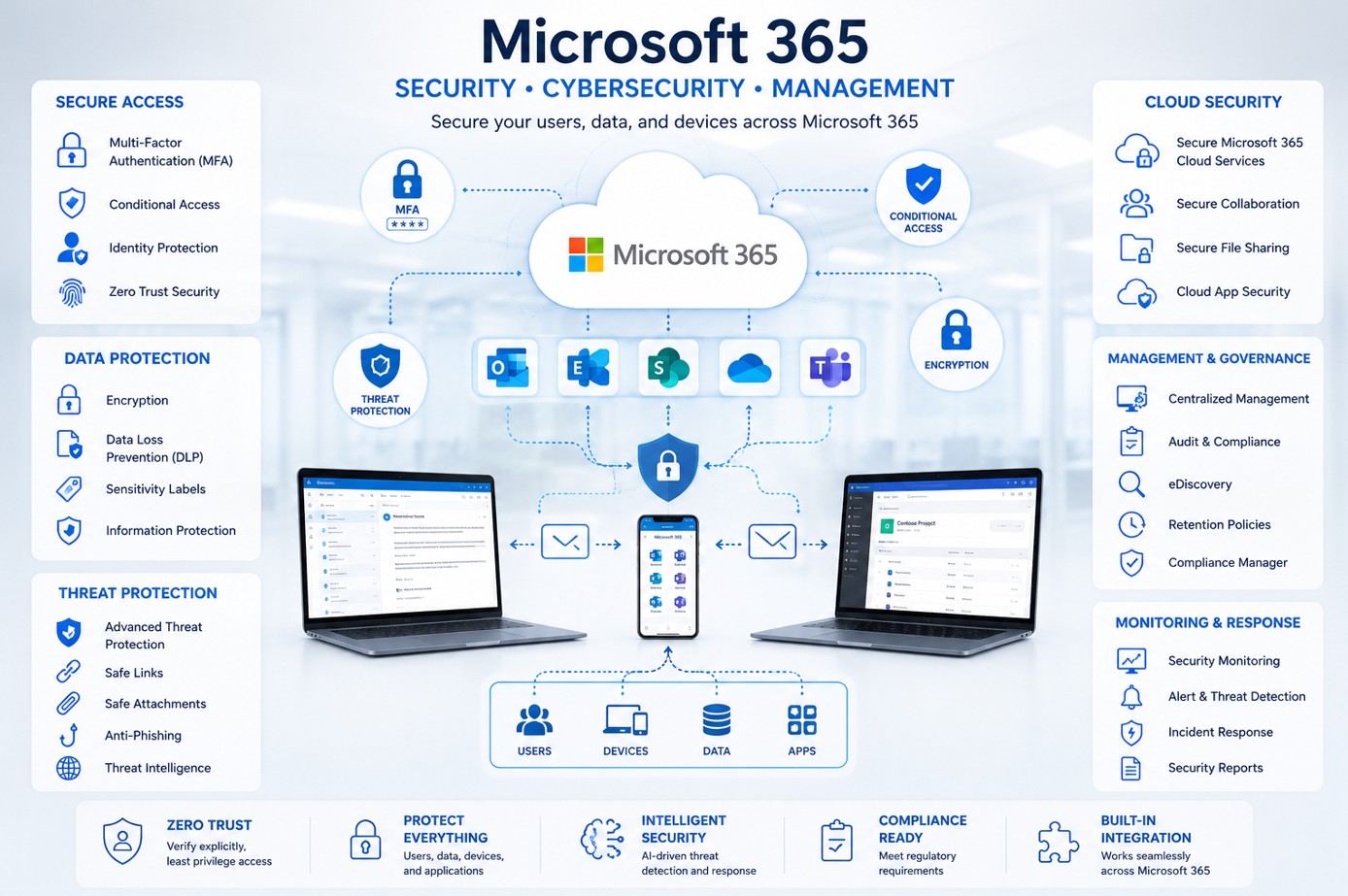
Intune also works best when it is considered alongside Conditional Access, identity security and the wider Microsoft 365 environment.
NOAVAXIS can support ongoing Microsoft 365 administration, security improvement and endpoint management through our Managed Microsoft 365 Services.
NEXT STEP
Build a More Manageable Microsoft 365 Environment
Need help reviewing endpoint management, compliance or the wider Microsoft 365 environment? Start a conversation with NOAVAXIS.
Talk to NOAVAXIS