

NOAVAXIS INSIGHTS · MICROSOFT 365 MIGRATION
Microsoft 365 Migration Planning Checklist for 2026
A practical checklist for reducing migration risk across identity, email, files, collaboration, security, licensing and post-migration operations.
The migration tool is only one part of the project. Successful Microsoft 365 migrations depend on discovery, identity planning, licensing, security, testing, communication and a clear operating model for the environment after cutover.
Why Microsoft 365 Migrations Need Structured Planning
Organizations may be moving from on-premises systems, another cloud platform, a legacy Microsoft environment or one Microsoft 365 tenant to another. Each scenario has different dependencies, but the underlying principle is the same: understand what exists before deciding how it should move.
A structured plan helps uncover identity conflicts, unsupported data, application dependencies, security requirements and user-impact issues early enough to address them.
10-Point Microsoft 365 Migration Checklist
Inventory the Current Environment
Document users, mailboxes, domains, data volumes, file shares, applications, devices, distribution groups, shared resources and important dependencies.
Define What Will Move
Agree what is in scope, what should be archived, what can remain behind and which workloads require separate migration approaches.
Plan Users and Authentication
Map identities, domains and sign-in requirements. Consider synchronization, authentication methods, administrator access and how users will transition.
Validate Microsoft 365 Licensing
Confirm that destination licensing supports required workloads, security capabilities, mailbox requirements, device management and compliance needs.
Plan Exchange Online Migration
Review mailbox sizes, shared mailboxes, aliases, groups, mail flow, DNS dependencies and the migration method appropriate to the source environment.
Plan SharePoint and OneDrive
Assess file structures, ownership, permissions, sharing, unsupported content and whether existing information architecture should be improved rather than copied unchanged.
Design Security Before Cutover
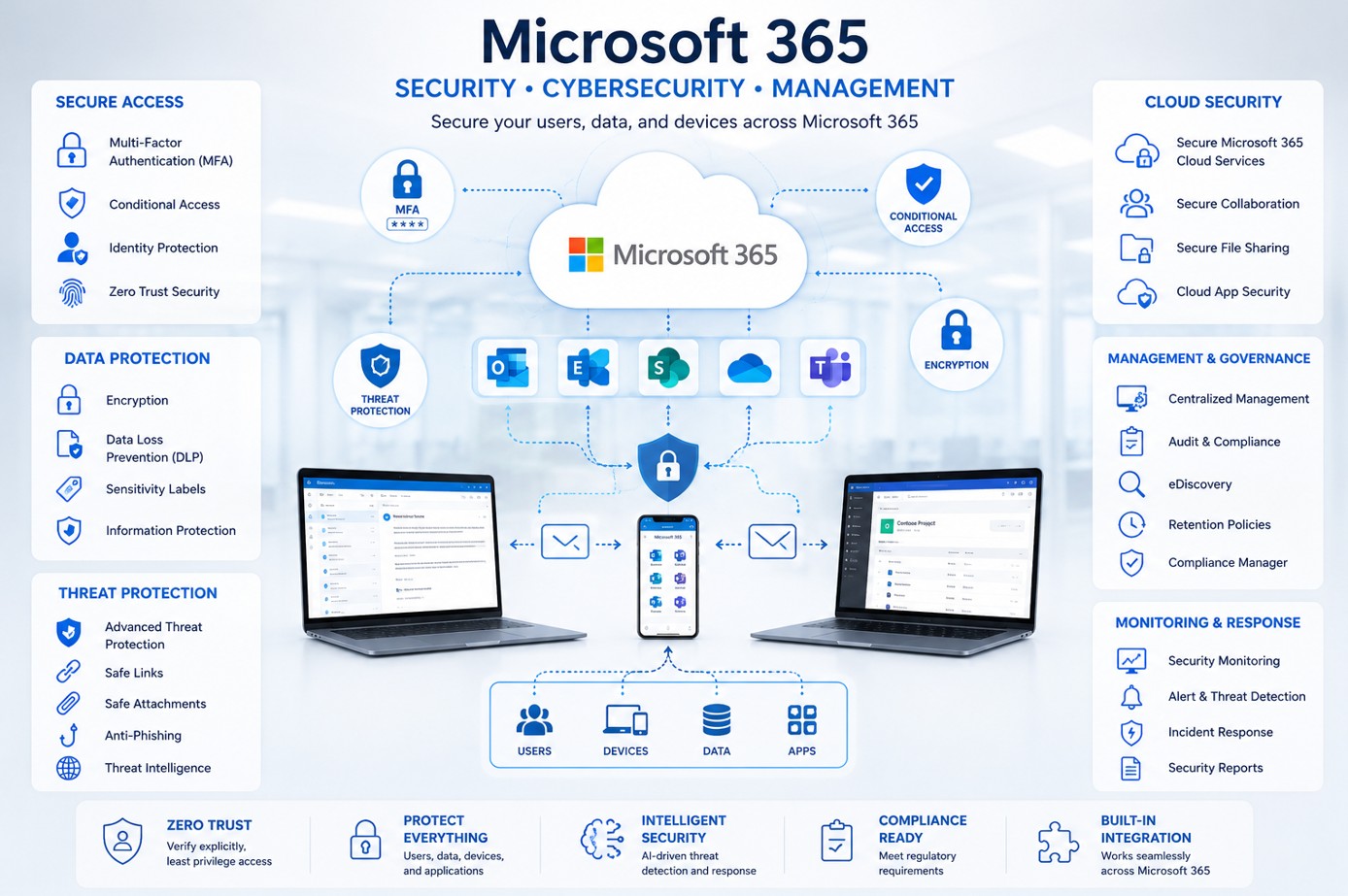
Plan MFA, Conditional Access, privileged roles, external sharing and other baseline controls so the destination environment is not left unnecessarily exposed.
Run a Pilot Migration
Use representative users and workloads to validate migration speed, permissions, applications, authentication and the end-user experience before broad deployment.
Prepare Users and Support
Communicate what is changing, when it will happen, what users must do and where they can get support during and immediately after cutover.
Plan the Post-Migration Environment
Define ownership, administration, security reviews, license management, service requests and ongoing optimization before declaring the project complete.
PROJECT CONTROL
What Should a Migration Plan Include?
A useful migration plan should translate technical discovery into a controlled project that business stakeholders and IT teams can follow.
Discovery Report
Current-state inventory, dependencies, risks and migration constraints.
Migration Waves
Logical user and workload groups with pilot, production and cutover sequencing.
Cutover Plan
Responsibilities, DNS changes, validation steps, communication and rollback considerations.
Post-Migration Review
Validation, issue resolution, security checks and transition into normal operations.
Avoid Treating Migration as a Copy-and-Paste Exercise
Migration is an opportunity to improve the environment rather than simply reproduce old problems in Microsoft 365. Review stale accounts, unnecessary data, permissions, security settings and administrative processes as part of the project.
Security should also be considered early. Our guide to Microsoft 365 Security Assessments explains the identity, access, endpoint and governance areas organizations should review.
After migration, organizations that need ongoing administration and optimization can transition into Managed Microsoft 365 Services.
PRACTICAL MIGRATION CONTROLS
How to Know Your Migration Is Ready
Before approving a production cutover, confirm that the destination environment, migration method, support arrangements and recovery options have been validated.
Before Cutover
After Cutover
Technical note: Migration methods, supported data and recovery options vary by source system, workload and tooling. A successful pilot does not eliminate the need for production validation.
PRACTICAL DECISION EXAMPLE
When should a migration cutover be postponed?
Imagine a business moving email from a legacy platform to Exchange Online. The pilot mailboxes transfer successfully, but the team discovers that an invoicing application still sends messages through the old server and two shared mailboxes have undocumented delegate access. A successful data copy does not mean the organization is ready to switch mail flow.
Proceed when
The sending application has been tested against the approved mail-routing design; mailbox permissions have been recorded and validated; the support team knows who approves the cutover.
Delay when
Business-critical applications cannot send mail, access owners cannot confirm expected permissions, or there is no workable response plan for failed mail flow or user sign-in.
Record the decision
Use a simple go/no-go record with the open issue, business impact, accountable owner, test evidence, decision and next review time. Keep the source environment available until the agreed acceptance criteria are met and decommissioning is approved.
Illustrative example: This scenario demonstrates a decision process; it is not presented as a completed client engagement. Actual migration steps and recovery options depend on the source platform and agreed scope.
NEXT STEP
Plan Your Microsoft 365 Migration with Less Risk
Need help assessing your current environment, planning the migration or managing the transition? Talk to NOAVAXIS about your Microsoft 365 migration project.
Explore Migration Services